How to use a campaign's content
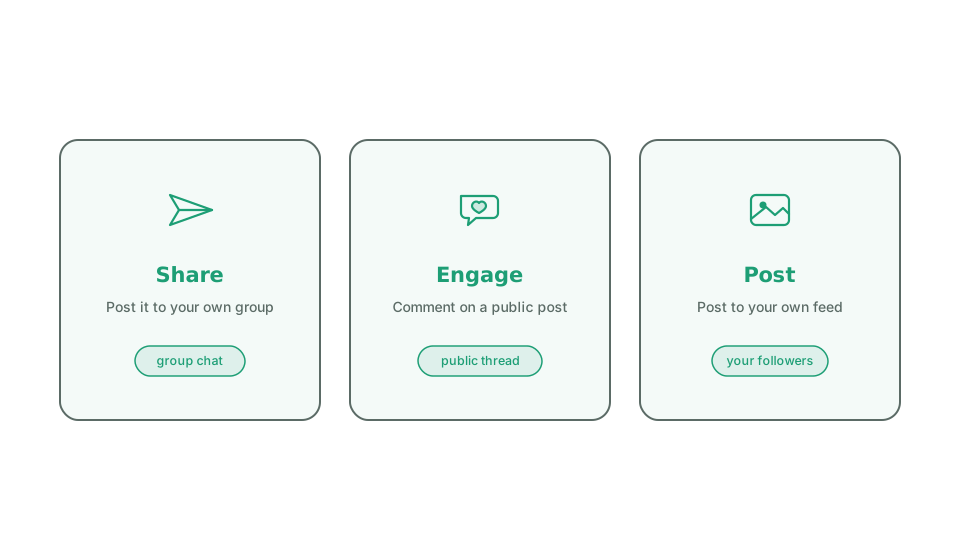
Each piece of content in a campaign comes with a job that tells the volunteer what to do with it. There are three, and they show up on the messenger’s home screen as their own sections.
Share with your networks. Send the content to a group you’re in, like a group chat, and add a line of your own.
Join the conversation. Open a post that is already public and comment or react on it, adding a voice to a conversation others are watching. There is nothing to report afterwards; the tap itself is the signal.
Post to your feed. Post an image or video to your own feed or story, where your followers chose to hear from you.
The job is set when the content is built, and the kind of content limits it: a link can be a Share or an Engage but never a feed post, and an uploaded image or video can be a Share or a Create but never an Engage. Picking the right job keeps the action natural for the volunteer.