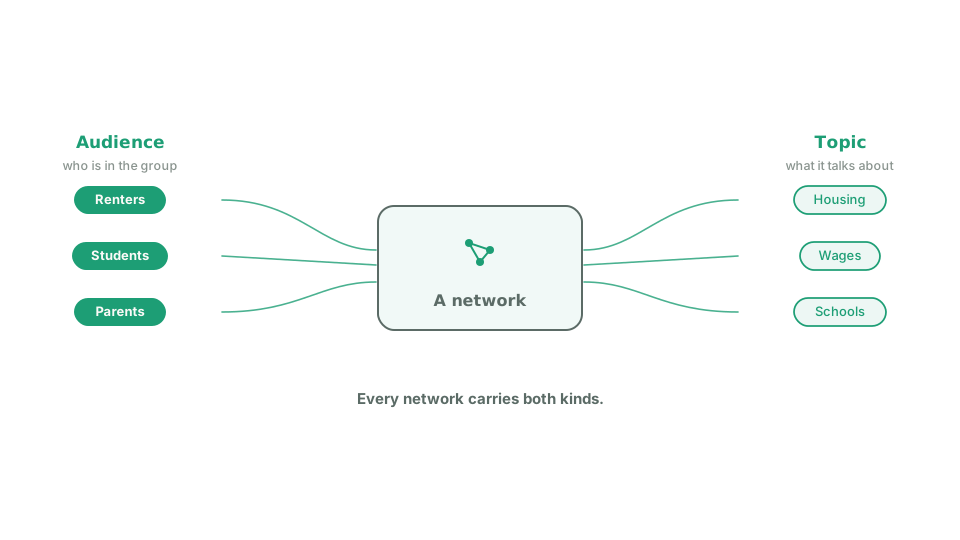
Audience and topic tags
Tags are labels on a network. There are two kinds: one for who is in the group, one for what the group talks about. When a volunteer adds a network, Echo reads their two descriptions and picks tags from a list the organization manages. Admins, managers and organizers can also set a network’s tags by hand from the Network Explorer, which both corrects a bad guess and marks that network as reviewed.
Tags describe your networks. They are not how campaigns are targeted. The campaign editor has no tag filter. What tags give you is a way to read your own membership: which audiences you actually reach, where you are thin, and which network descriptions are too vague to classify. The labels are only as good as the descriptions they come from, so plain, specific descriptions produce useful tags.