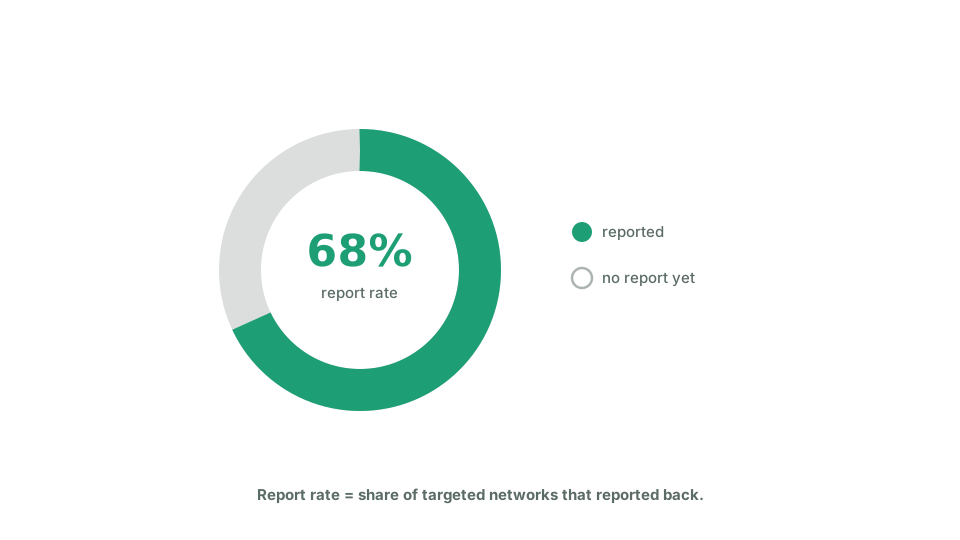
Report rate and networks engaged
Echo shows more than one rate, and they measure different things. Reading one as the other leads to bad conclusions.
On a campaign’s report page, Share rate is the share of matched volunteers who have shared at least one piece of the campaign’s content. It answers: did the people we reached act at all?
On that same page, Report rate is the share of logged share activity that has a report attached. If volunteers logged 50 shares and 20 of those have a report, it is 40 percent. It answers: are we hearing back about what was shared? Engage taps and clips are left out of both halves, because neither is reported on.
Still on that page, Networks engaged is a count, not a rate: how many of the networks the campaign targeted have sent back at least one report, out of the total targeted. This is the number that tells you how much of your plan actually happened on the ground.
On the dashboard, Report rate in the Team performance table means something different again: a team’s engaged networks divided by its assigned networks. It is coloured green at 70 percent or more, amber from 40 to 69, and red below 40.
Whichever one you are reading, a low number rarely means volunteers did nothing. More often they acted and never logged a report. Read it as a prompt to chase the missing reports, not as proof the campaign failed.