

Get started
The first time you sign in, you fill in a few details about yourself, get a short introduction, and land on your networks page. Mapping your first network is the first thing Echo asks of you.
The intro steps
Section titled “The intro steps”- Complete your profile shows your email and asks for Your name, Phone number, and ZIP code. Phone and ZIP are required. Select Continue. If you joined through an organizer’s invite link you already gave these, so this step is skipped.
- A screen headed People trust you in a way they’ll never trust an ad. explains why your voice matters. Select Let’s go, or Skip intro to jump straight to mapping.
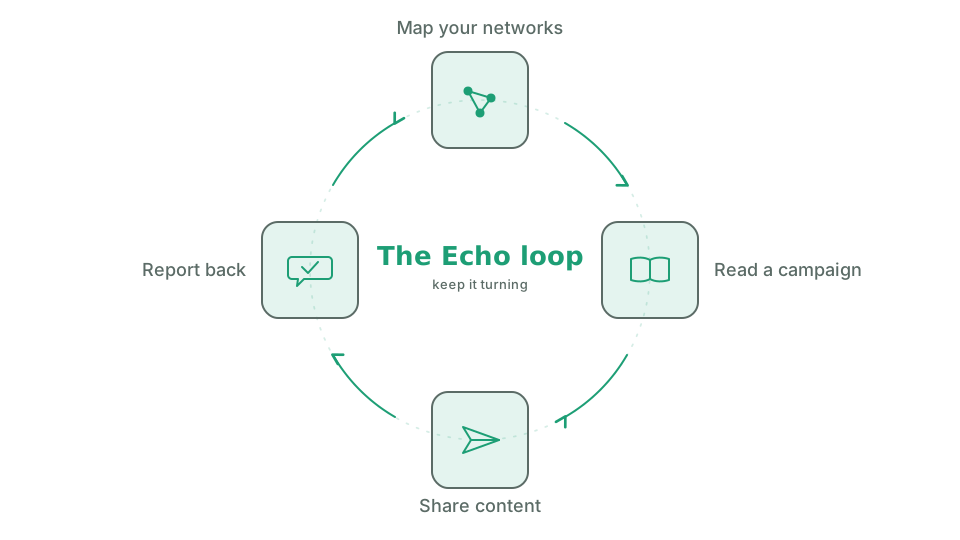
- How Echo works lists the four things you’ll do: Map your networks, Get content, Share with your networks, and Report back. Select Start mapping to continue.
On that last screen you can also select See how it works for a three-panel tour, Campaigns come to you, Three ways to help, and Then tell us how it went.
After Start mapping, the mapping page opens so you can add your first network. Once you’ve mapped one, your campaign home becomes your main screen.